Timing and lead
Caller Karaoke's central rule is simple: the call must finish before the dancers move. The app places the call earlier by a lead computed from the rendered words.
Open the setting
Open Preferences and find Calling lead. Automatic syllable-based lead is on by default.
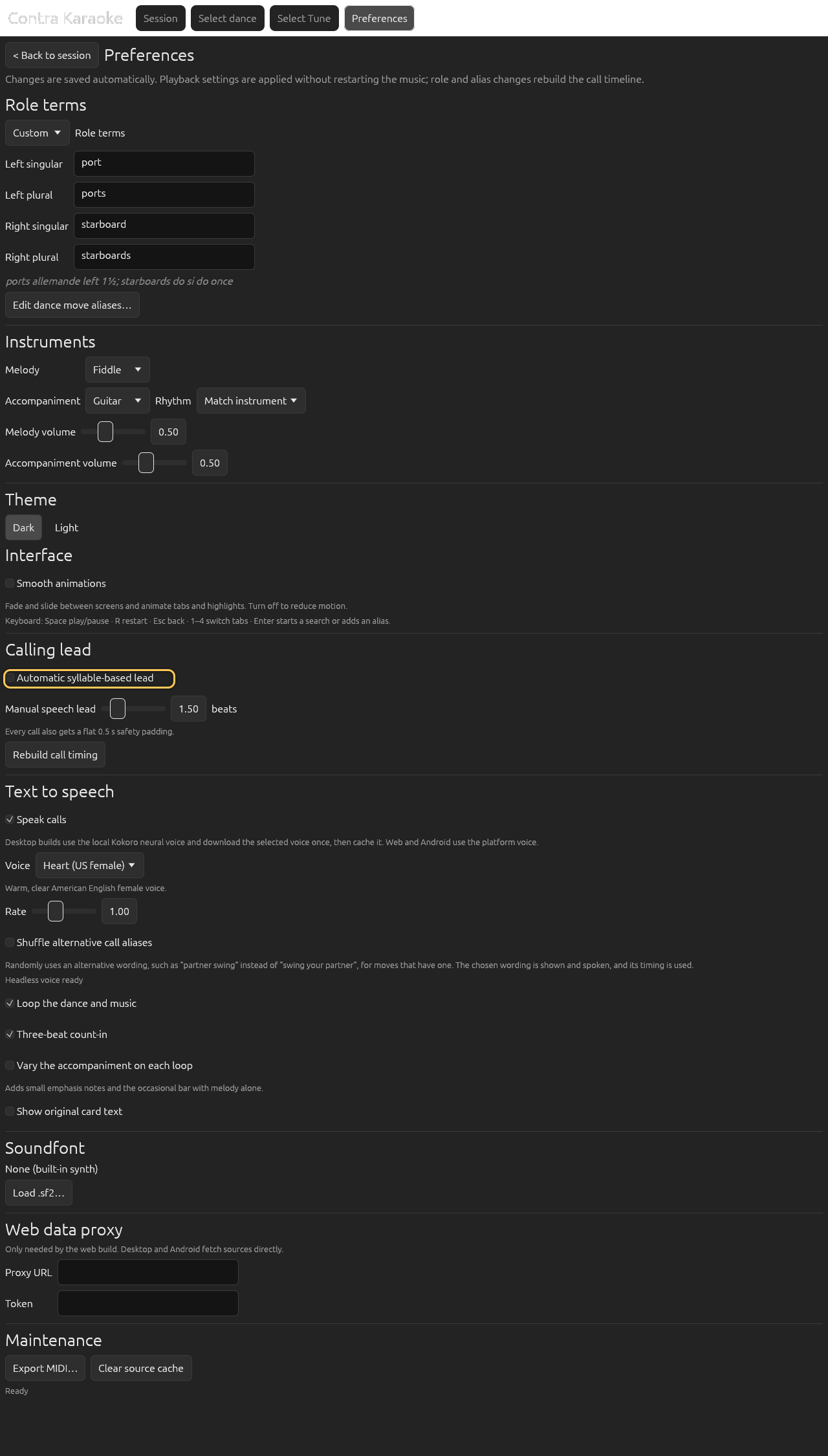
Automatic lead derives the call time from the rendered words.
Automatic lead
Adjust Minimum speech lead and Maximum speech lead in beats. The defaults are 1.0 and 5.0. The maximum can be raised to 6.0 for learning sessions or slow voices.
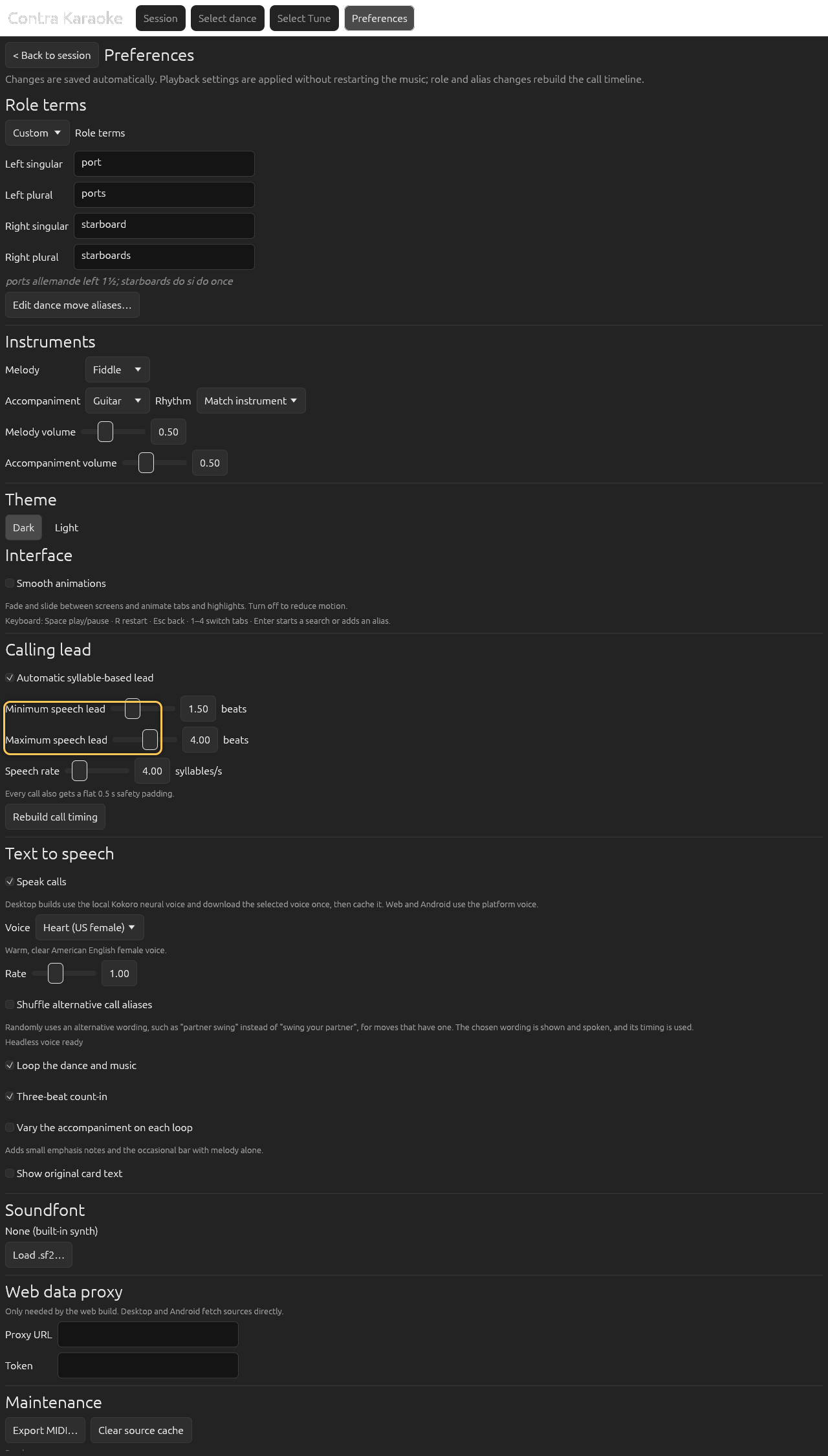
The speech lead is clamped to one to five beats; the safety padding is added and the total rounds up to a whole beat. Adjust Speech rate in syllables per second. The default is 4.0. A lower rate assumes slower speech, so the same words get more lead.
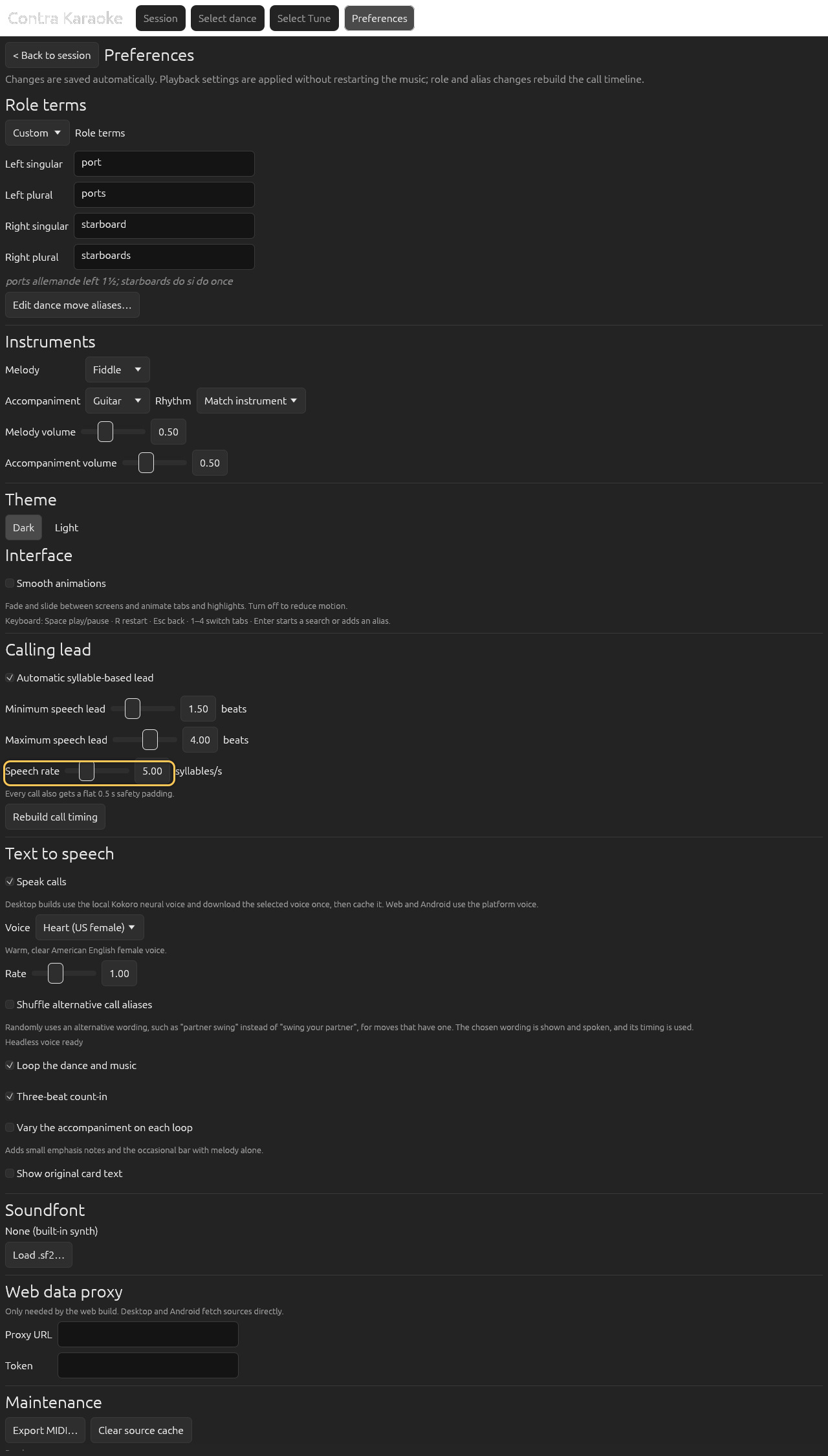
A lower speech rate moves longer calls earlier.
Below those controls, Safety padding sets the flat buffer in seconds. It defaults to 0.5 s, can be set from 0 to 2 s, and zero removes it.
The automatic lead uses:
speech_seconds = syllables / speech_rate
               + (words - 1) × word_gap
               + extra_pause
speech_lead_beats = clamp(
                      speech_seconds / seconds_per_dance_beat × lead_scale,
                      min_beats,
                      max_beats
                    )
lead_beats = ceil(speech_lead_beats + safety_padding_seconds (converted to dance beats))
Speech rate, minimum, maximum, and safety padding are exposed in the UI. The word gap and extra pause are fixed at 0.0, and the lead scale at 1.0. The automatic lead — the speech estimate plus the safety padding — rounds up to the next whole dance beat, so a call always gets at least the time its words need and starts on a beat boundary. A manual lead is used exactly as entered. Every call also gets the safety padding after the speech-lead clamp; it defaults to 0.5 s and can be set from 0 to 2 s.
The default is calibrated from a measured 2.25 s delivery of the nine-syllable call “larks allemande left once and a half”. At 240 BPM that is 4.5 beats of speech plus 1 beat of padding = 5.5, rounded up so the call starts 6 beats before the move.
Manual lead
Turn off Automatic syllable-based lead to use a fixed Manual lead in beats. This is useful when practising with a specific band or when the automatic estimate does not match your delivery.
Rebuild the timeline
Select Rebuild call timing after changing lead settings. The app also rebuilds automatically when preferences change, but the button makes the action explicit.
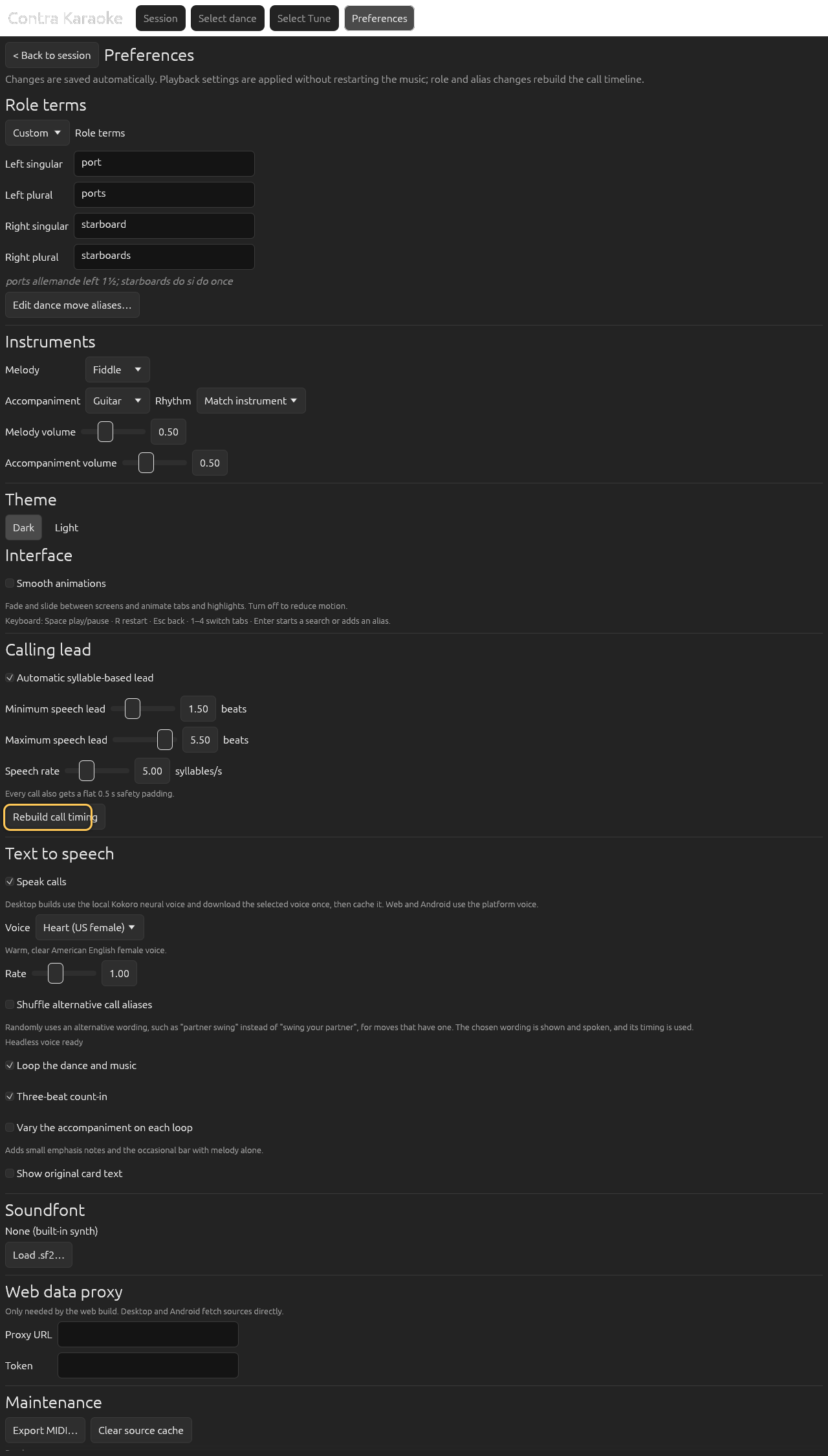
Rebuild the timeline after changing lead settings if the session does not do it automatically.
The schedule rebuilds immediately. The Rebuild call timing button also marks the music for a rebuild; if the session shows the prepare-music message, press Play to render and start.
Watch the countdown
In the session, read the executes in N beats line under the current call. It counts down to the figure's execute beat.
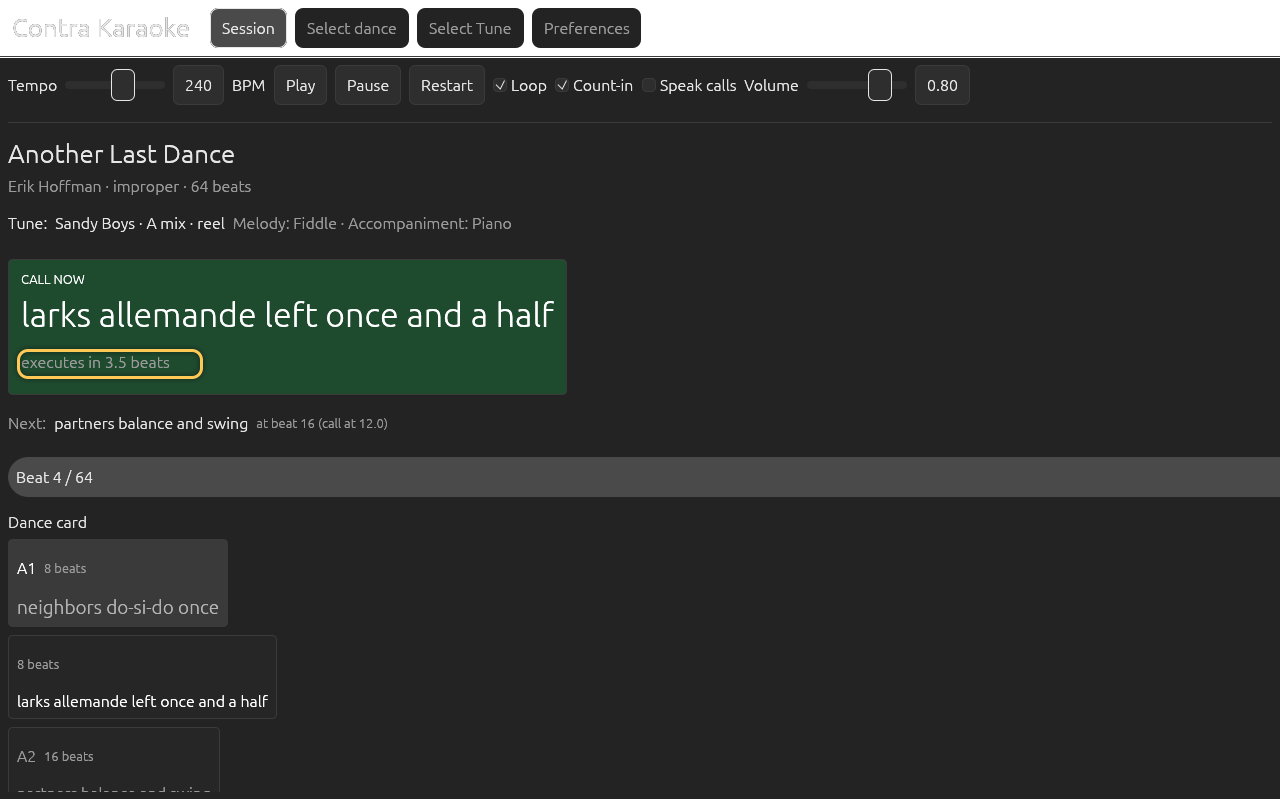
Calls start before the execute beat so the words finish before the move.
A short call such as swing gets the 1-beat minimum speech lead plus the
default 1-beat padding at 240 BPM, so it starts about two beats early. A longer
phrase approaches the 5-beat default maximum plus padding. If you raise the
maximum to 6 or increase the safety padding, long calls can start even earlier.
The dance card prints the lead for each call as call N beats. The
executes in N beats and call in N beats countdowns are both rounded to
the nearest half beat and always show one decimal (4.0, 3.5) while the dance
runs.
The first call can be negative
Start a session and watch the count-in. The first call is often listed below Listen for the first chord before the loop begins.
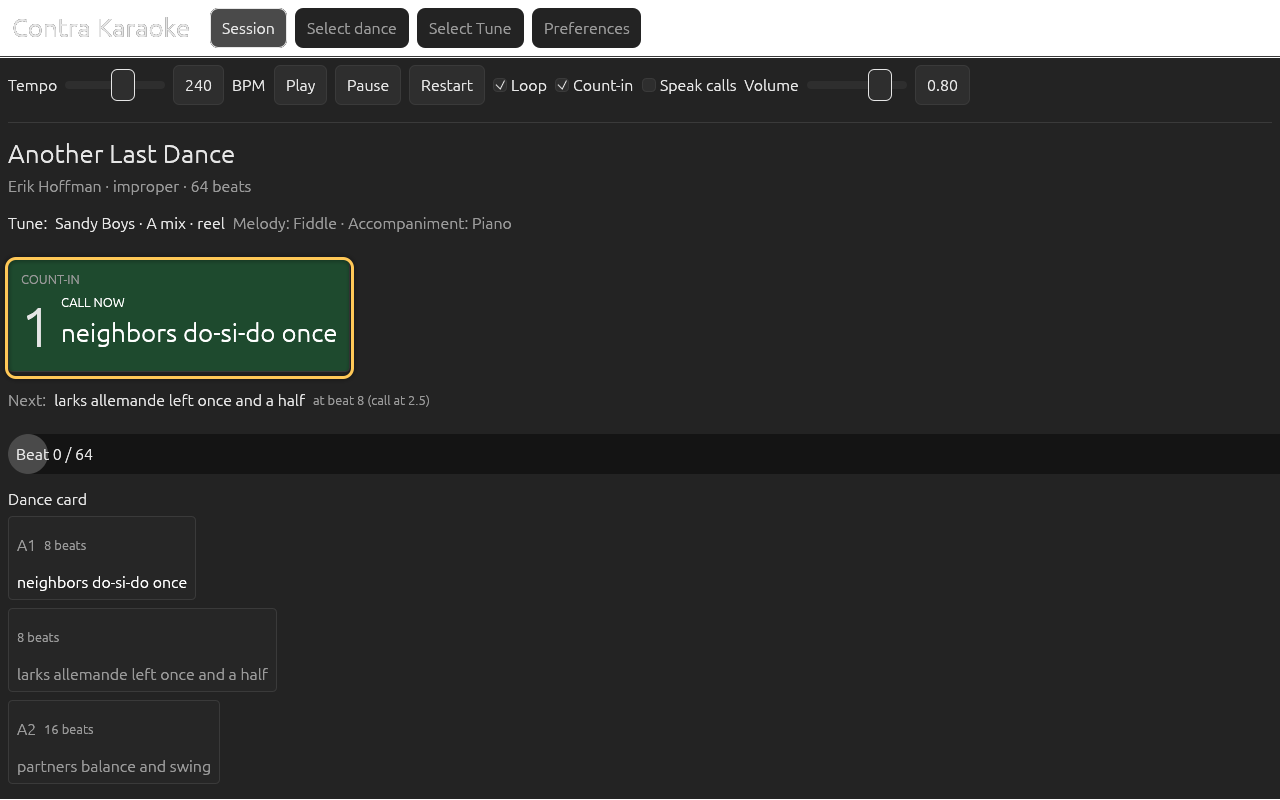
The first call can begin during the count-in because it starts before beat zero.
This is intentional. The first figure executes at beat 0, and its call starts before beat 0, inside the count-in. The app does not clamp the first call to zero.
Dance beat, bar, and loop
- A dance beat is half a bar in 4/4, 2/2, and 6/8.
- At 240 BPM,
seconds_per_dance_beat = 120 / bpm = 0.5 s. - A standard 32-bar tune is 64 dance beats, or 32 seconds.
- The count-in is 4 dance beats, built from the tune's first chord.
- Reels and jigs use the same dance-beat duration at the same BPM setting.
For the complete formula, worked examples, and edge cases, see How calls are timed.
Next: Text to speech.