Cache and offline
Caller Karaoke fetches dances from the selected dance source (ContraDB by
default, or The Caller's Box) and tunes from ABC Session Tunes. Content you
download in Select dance → Download dance or Select tune → Download
tune is saved to your local library and works offline. Separately, the app
caches the raw search and detail responses: files on the desktop and Android,
and localStorage in the browser. The two bundled defaults are in the library
from first launch.
On desktop and Android, the Kokoro neural voice is cached separately: the model and the selected voice style file are downloaded once and reused offline. Synthesized call deliveries are also cached on disk, so later launches reuse the audio instead of running the model again; the copy is limited to 64 MiB and pruned least-recently-used. The platform voice is used if the neural voice is not ready.
Cache lifetimes
| Content | Lifetime |
|---|---|
| Search results | 7 days |
| Dance details | 30 days |
| Tune details | 30 days |
A search or detail request reads the cache first. If the cache entry is fresh, the app uses it without a request. If it is stale, the app requests the source and may replace the entry.
What happens offline
Select dance and Select tune search your downloaded library, so those lists keep working with no network. Downloading a new card or tune, or running a new search against the selected dance source or ABC Session Tunes, needs a connection.
If a search request fails, the app looks for a stale cache entry. If one exists, it parses and uses that content. There is no offline banner in 0.1.0; the fallback is silent.
If no cached content exists, the error appears in a red panel at the bottom of the window. Select Dismiss to close it. The currently loaded dance and tune stay in place.
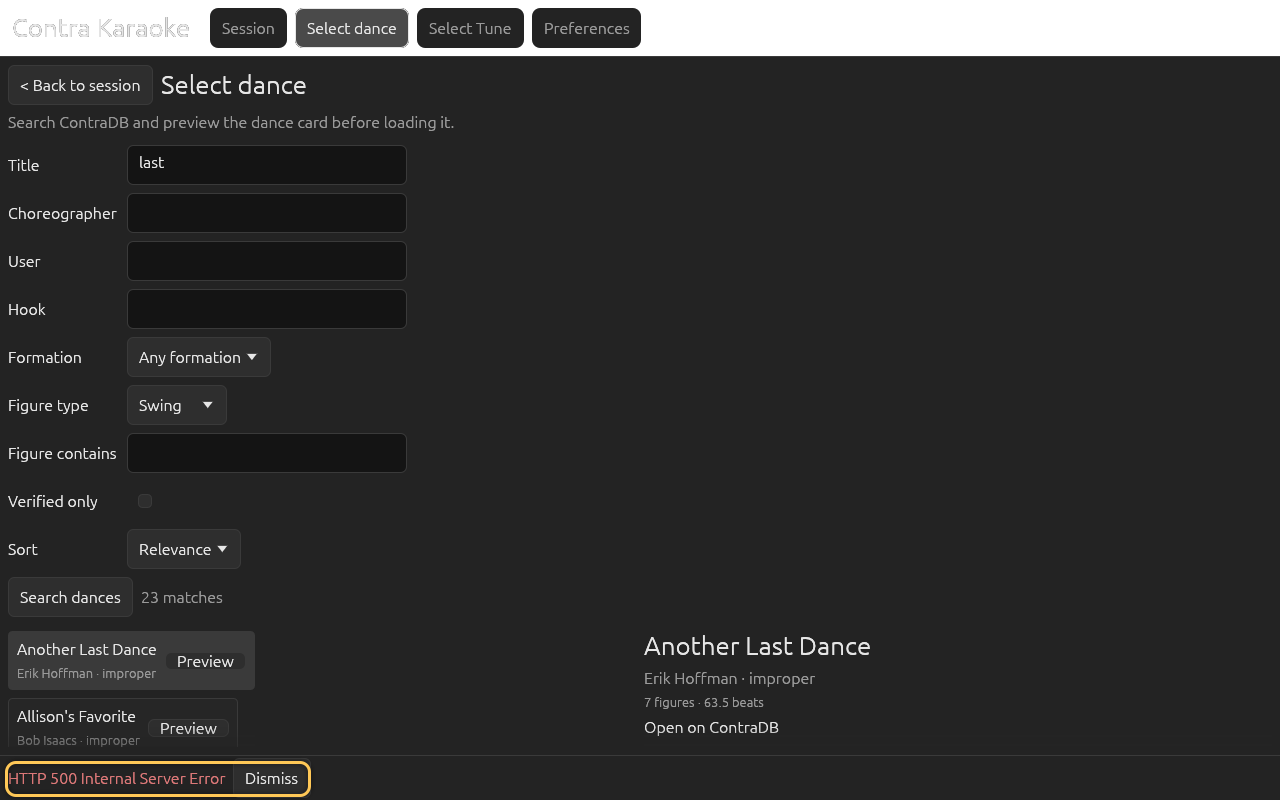
The bundled Another Last Dance and Sandy Boys are always in the library. Other dances and tunes are available offline once they have been downloaded from the Download dance or Download tune screen.
Clear the source cache
Open Preferences → Data & Storage and select Clear source cache. The button changes to Confirm clear cache and Cancel.
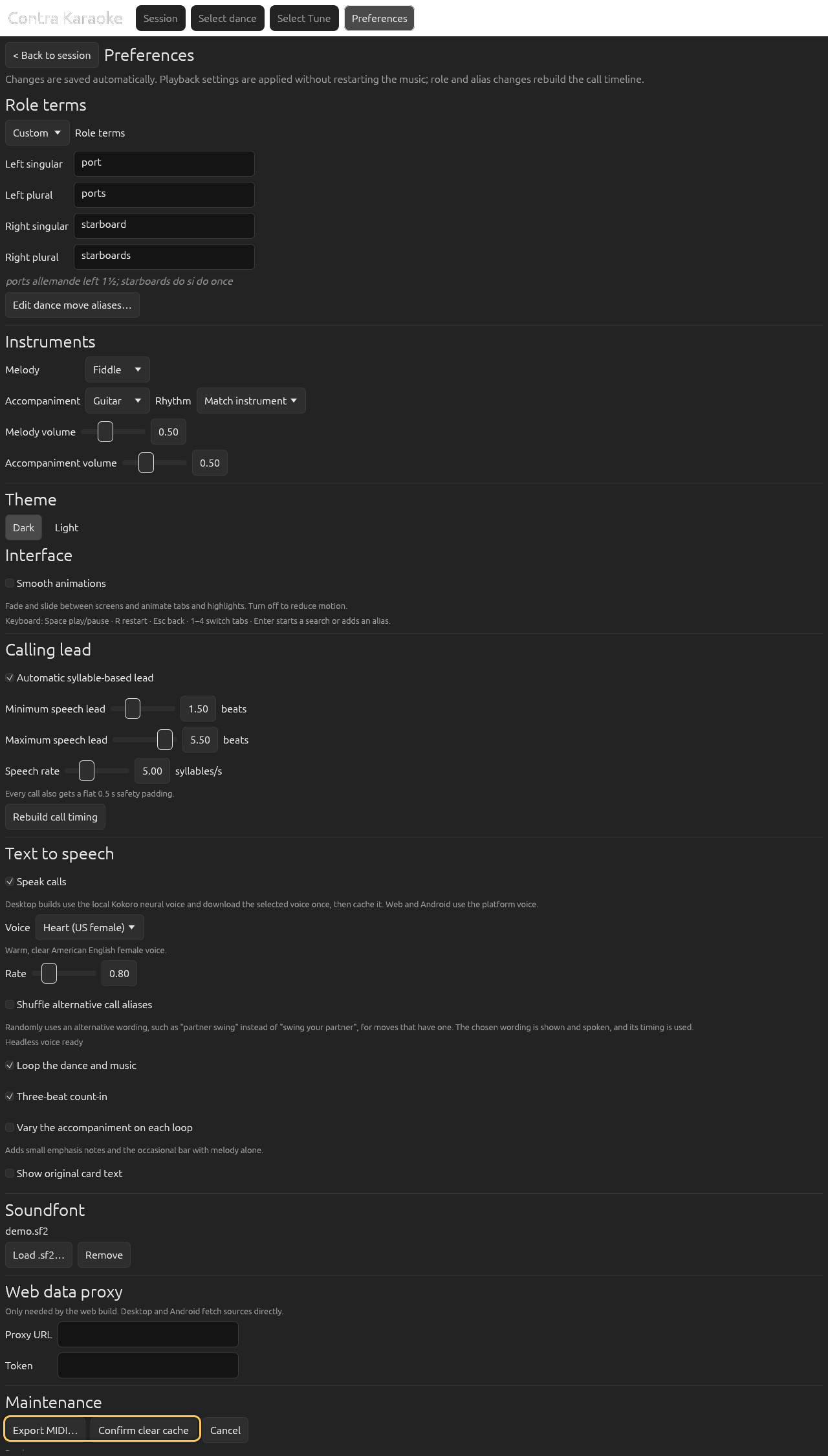
Clearing the cache is a two-step action. Select Confirm clear cache. The status line reports
Cache cleared.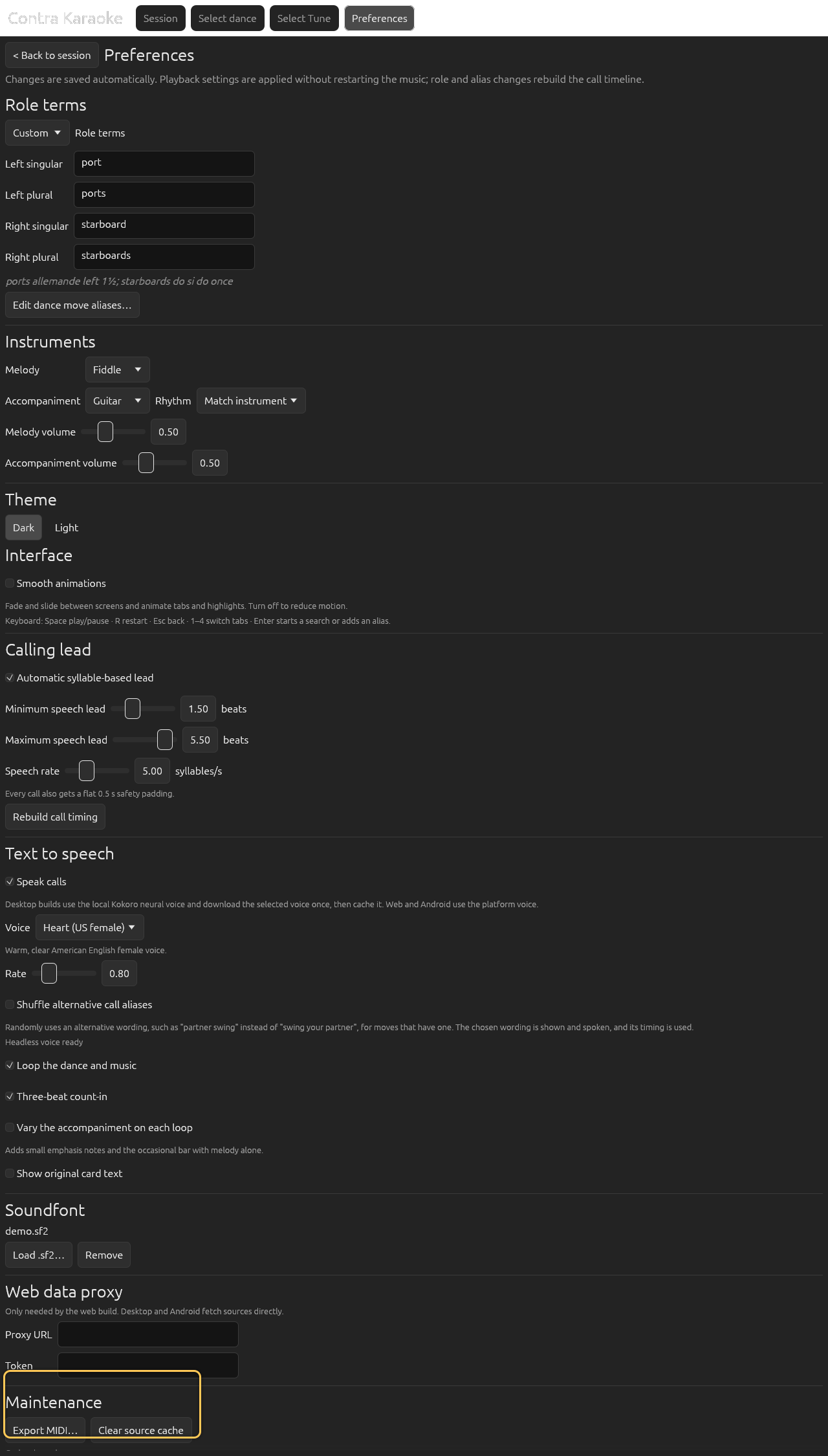
Clearing the source cache does not remove saved dances, tunes, or the bundled defaults.
Clearing the cache does not remove preferences, saved dances and tunes, the bundled defaults and bundled soundfont, a SoundFont you loaded, or the cached neural voice files and synthesized call audio.
There is no cache-size display or manual refresh button in the current UI. Use the normal search action to fetch fresh content after clearing. To refresh a saved dance or tune, download it again from its Download screen.
Web data proxy
Desktop and Android builds fetch the sources directly. A browser build cannot
do that because the upstream sites do not allow the app origin, so the
repository includes a Cloudflare Worker proxy in proxy/.
In Preferences → Data & Storage, enter the deployed proxy Proxy URL and, if the deployment requires one, a Token.
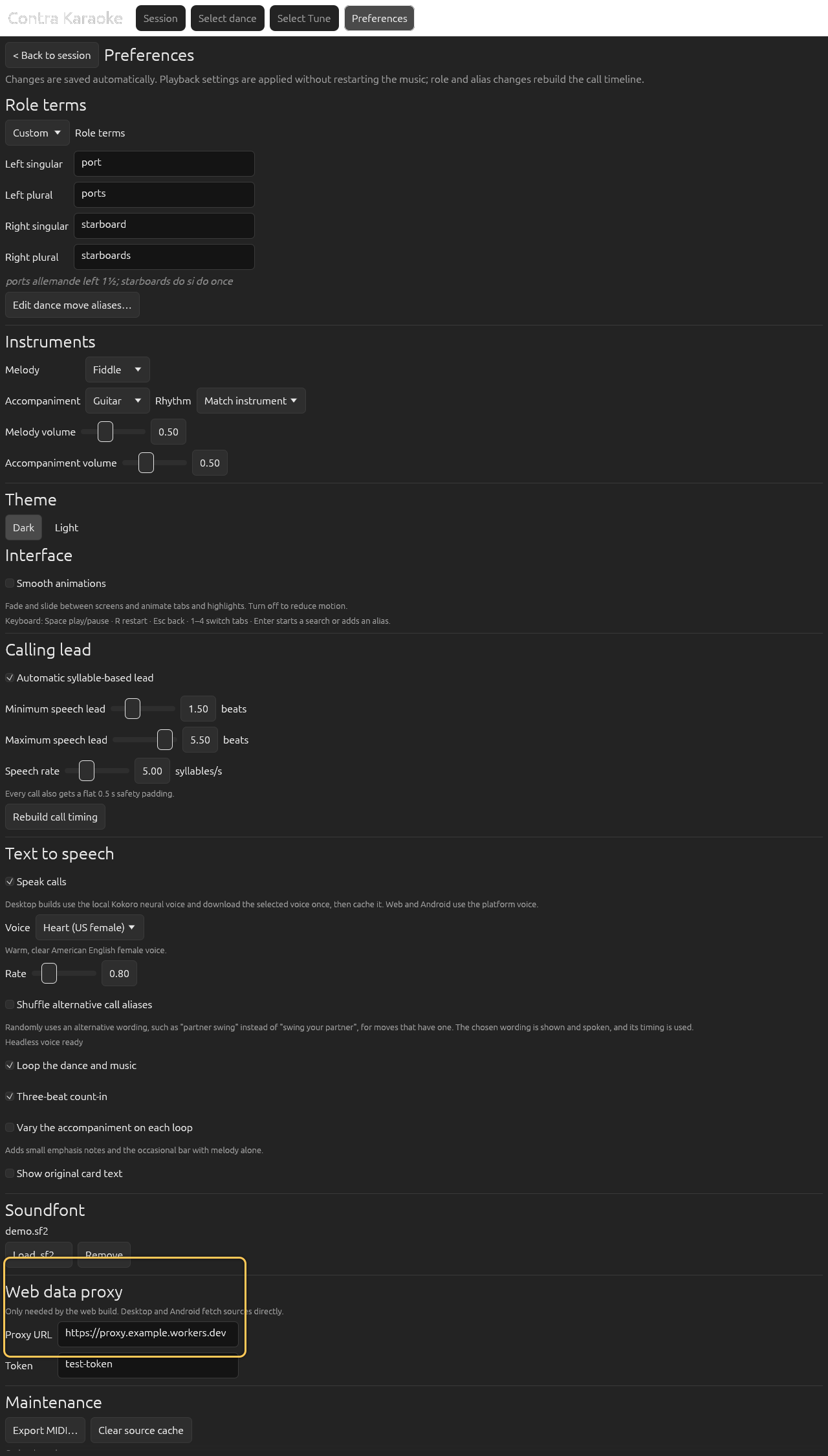
Desktop and Android fetch sources directly; the web build can use a proxy.
The worker forwards only the two allowlisted upstream hosts and the API paths the app uses. Do not point the app at an open proxy. The token is stored locally with your preferences; do not share a screenshot of a real token.
What is not cached
- The rendered loop is kept in memory for the current tune and settings, so a second Play, a restart, or an undo is immediate. It is not written to disk and is rebuilt after a change.
- Your current transport position is not persisted.
- A failed response is not cached as a valid result.
- Saved dances and tunes are stored in the library, not in the source cache; clearing the cache leaves them in place.
Next: Themes and accessibility.